Jan 15, 2026
15 min
esigning AI-First Products: Lessons from Building an Intelligent Gradebook
How redesigning an edtech gradebook taught me that AI-first design isn't about adding intelligence to workflows, it's about reimagining what questions products should answer. A framework for building AI-powered products that drive real decisions.
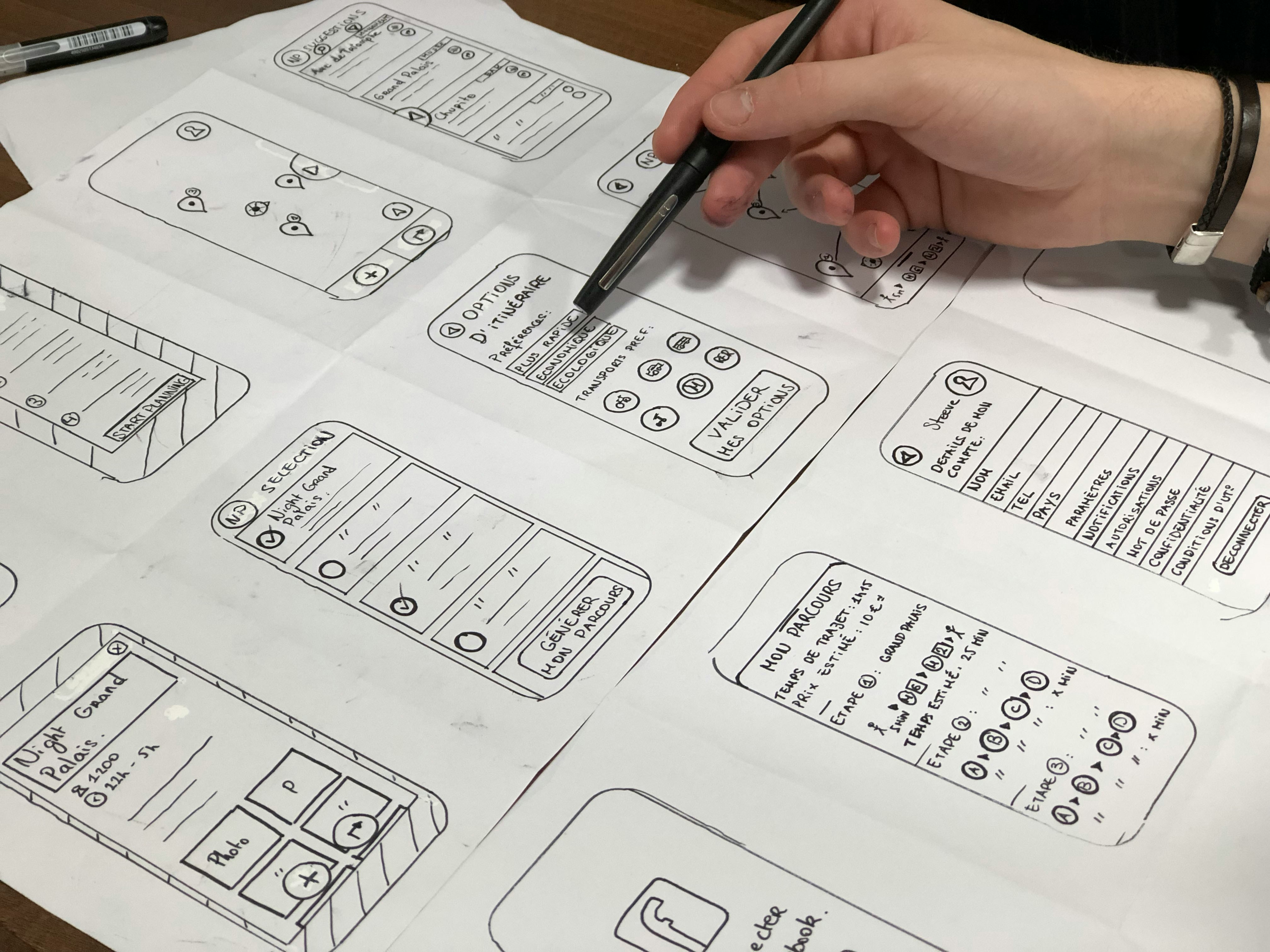
Designing AI-First Products: Lessons from Building an Intelligent Gradebook
When I started redesigning GoPrep's gradebook, I thought I was building a better data visualization tool. I was wrong. The project taught me that AI-first design isn't about adding intelligence to existing workflows—it's about fundamentally reimagining what questions a product should answer.
This shift in perspective led to a 73% reduction in the time instructors spent analyzing student performance, an 89% satisfaction rate (up from 34%), and a 4.2x increase in early interventions for at-risk students. More importantly, it changed how I approach every AI-powered product I design.
Here's what I learned about designing products where AI isn't a feature—it's the foundation.
The Trap of AI-Enhanced vs. AI-First
Most products treat AI as an enhancement layer. You have an existing workflow, and you sprinkle some machine learning on top: a recommendation here, an automation there. This approach is intuitive but fundamentally limited.
AI-enhanced design asks: "How can AI make this task faster?"
AI-first design asks: "What task should the user be doing in the first place?"
The GoPrep gradebook was a classic example of a tool designed for one task—recording grades—when instructors actually needed to accomplish something entirely different: identifying which students needed help before it was too late.
During my contextual inquiry sessions, one instructor said something that reframed the entire project: "I don't need better grades—I need to know which students to call before they drop the course." This wasn't about making grade entry faster. It was about transforming data into decisions.
Start with the Question, Not the Data
After interviewing 30 instructors across 8 institutions, I discovered that every educator—regardless of experience, subject, or institution—struggled with the same three questions:
"Which students need help right now?" This is about at-risk identification and early intervention—the highest-stakes question instructors face.
"Is my teaching actually working?" This concerns course effectiveness and content validation—understanding whether instructional approaches are landing.
"Where should I focus my limited time?" This addresses priority optimization and resource allocation—the constant triage that defines teaching.
These three questions became our design north star. Every feature, every visualization, every AI insight had to serve one of them. If it didn't, it didn't ship.
This question-first approach is the first principle of AI-first design: understand what decisions your users need to make, then work backward to the information and intelligence required to support those decisions.
The Intelligence Layer Framework
Through this project, I developed a framework for structuring AI capabilities in product design. I call it the Intelligence Layer Framework, and it organizes AI functionality into three progressive layers:
Layer 1: Synthesis
This is AI doing what humans can't do efficiently: processing large volumes of data to identify patterns. In the gradebook, this meant analyzing performance across 60-150 students to surface who was struggling—a task that previously required instructors to export data to Excel and spend 4-7 hours weekly creating manual pivot tables.
Layer 2: Prediction
This is AI doing what humans can't do reliably: forecasting outcomes based on historical patterns. The gradebook uses predictive models to identify at-risk students in week 2-3, when intervention is still possible—rather than week 8, when it's too late.
Layer 3: Prescription
This is AI doing what humans need help doing: recommending specific actions. The system doesn't just flag at-risk students; it suggests intervention strategies based on what's worked for similar students in similar situations.
The key insight is that each layer builds on the previous one. You can't make useful predictions without good synthesis, and prescriptions without predictions are just guesses. Design your AI capabilities in this order.
Designing for Trust, Not Just Accuracy
One of the biggest anxieties I encountered in research was trust. Instructors asked: "How do I know the AI recommendations are correct?" This revealed that accuracy alone isn't enough—users need to understand and verify AI outputs.
I implemented several design patterns to build trust:
Show your work. Every AI insight includes the data points that informed it. When the system flags a student as at-risk, it shows exactly which assignments, attendance patterns, and trend lines led to that conclusion.
Provide confidence levels. Not all predictions are equally certain. The interface communicates confidence so instructors can calibrate their response—high confidence flags get immediate attention, lower confidence flags go into a watchlist.
Enable easy override. Instructors can dismiss or adjust AI recommendations with a single click. This acknowledges that they have context the algorithm doesn't, and it provides feedback data to improve the system.
Track accuracy over time. The dashboard shows how often the system's predictions were accurate, building trust through demonstrated performance rather than claimed capability.
Progressive Disclosure for Complex Intelligence
AI-powered products face a unique challenge: they often have more to say than users want to hear. The solution is progressive disclosure—showing the right level of detail at the right moment.
In the gradebook, I designed three levels of information depth:
Glanceable summaries appear on the dashboard. "3 students need attention" tells instructors immediately whether they need to act.
Actionable details appear on click. Expanding a flag shows which students, what specific concerns, and recommended next steps.
Full analytical depth is available on demand. For instructors who want to understand the underlying patterns, complete trend analysis and comparative data are accessible without cluttering the primary interface.
This approach respects both the instructor who wants quick answers and the one who wants deep analysis. The same intelligence serves both use cases through thoughtful information architecture.
The Human-AI Collaboration Model
Perhaps the most important lesson from this project: AI-first doesn't mean AI-only. The best outcomes come from designing for collaboration between human judgment and machine intelligence.
The gradebook's 4.2x increase in early interventions didn't happen because the AI was perfect. It happened because the AI surfaced possibilities that humans could evaluate, refine, and act on. The machine handled scale and pattern recognition; the instructor brought contextual knowledge and relationship judgment.
I designed the interaction model around a simple principle: AI proposes, human disposes. The system generates insights and recommendations, but every action requires human confirmation. This isn't a limitation—it's a feature that ensures accountability and builds trust.
Applying AI-First Design Principles
If you're designing an AI-powered product, here's my practical advice:
Start with decisions, not data. Understand what choices your users need to make and work backward to the intelligence required.
Layer your intelligence. Build synthesis before prediction, prediction before prescription. Each layer validates and enables the next.
Design for trust. Show your work, communicate confidence, enable override, and demonstrate accuracy over time.
Use progressive disclosure. Match information depth to user intent. Not everyone needs all the details all the time.
Preserve human agency. AI should expand human capability, not replace human judgment. Design for collaboration.
The future of product design isn't about making AI invisible—it's about making AI collaboration effortless. When we get this right, we don't just build better tools. We enable better decisions, faster interventions, and more meaningful outcomes.
The GoPrep gradebook taught me that the best AI-powered products don't feel like AI products at all. They feel like having a knowledgeable partner who's always watching for what you might miss, ready with insights exactly when you need them.
That's what AI-first design is really about.